
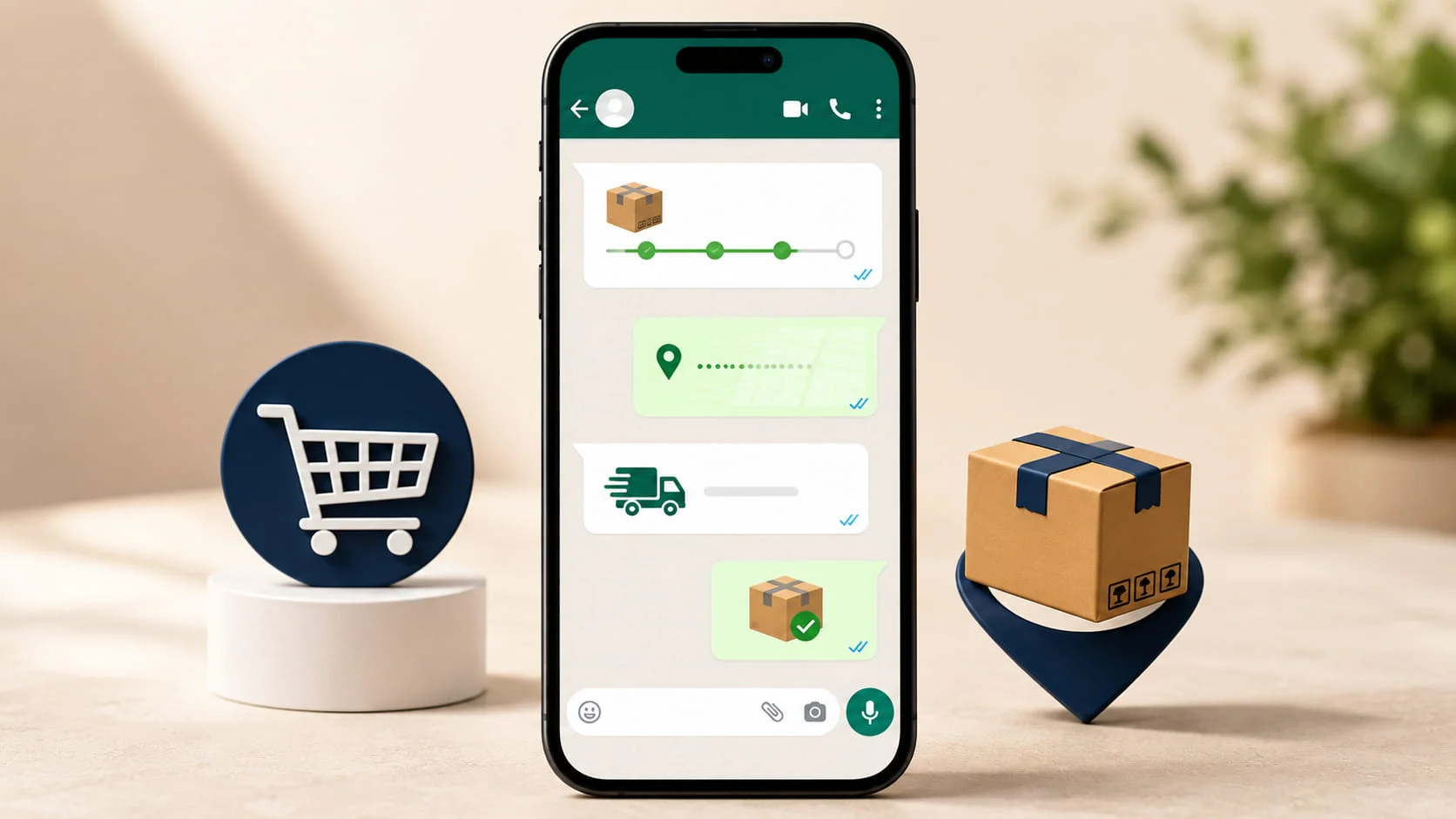
Your customer placed an order at 11 PM. They immediately want to know: did it go through? When will it ship? How do they track it? Is there a way to change the address?
If your answer to those questions is an email that lands in a promotions tab, a support ticket that gets picked up the next morning, or a phone number that rings out — you are losing trust at the most critical moment in the customer relationship.
WhatsApp chatbots close that gap. They answer every one of those questions instantly, at any hour, without a support agent lifting a finger. And they do it on the channel 530 million Indian customers already have open on their phone.
This guide covers the full automation stack for e-commerce — from order confirmation to delivery, returns handling, abandoned cart recovery, and post-purchase support — with real message templates and integration options for Shopify, WooCommerce, and custom platforms
What Is a WhatsApp Chatbot For E-Commerce?

Quick Answer
A WhatsApp chatbot for e-commerce is an automated messaging system connected to an online store that handles customer communication across the entire purchase — order confirmation and shipping updates, returns, refunds, and support queries — without human intervention.
It works by integrating the store’s order management system with the WhatsApp Business API via a platform like BotMitra, which triggers pre-built message flows based on order events and responds to customer queries using keyword detection or AI.
Most commonly used for: automating transactional notifications (order placed, shipped, delivered), handling common support queries (where is my order, how to return), recovering abandoned carts, and collecting post-purchase feedback — all on WhatsApp.
Why WhatsApp and not email for e-commerce communications? E-commerce order emails achieve 20-25% open rates. WhatsApp order messages achieve 95-98%. For a category where trust and speed of information matter most — your customer’s money, their order, their package — the channel that gets read in under 3 minutes has stopped being a nice-to-have.
The 6-Stage Order Lifecycle: What Gets Automated at Each Step

A complete WhatsApp e-commerce chatbot handles the customer from the moment they abandon a cart through to post-delivery feedback. Here is each stage:

STAGE 1
Abandoned cart recovery
Trigger: Customer adds items to cart but does not complete checkout within 30-60 minutes.
Bot action: Bot sends a personalised recovery message with the cart contents, a direct checkout link, and optionally a time-limited offer or free shipping incentive. Sends a maximum of 2 follow-up messages over 24 hours if no action is taken.
Sample message:
Hi [Name], you left something behind! Your [Product Name] is waiting in your cart. Complete your order now: [Link]. Need help? Reply HELP and we will assist you.

STAGE 2
Order confirmation
Trigger: Customer completes checkout — payment successful or COD order placed.
Bot action: Bot sends an immediate order confirmation with order ID, items ordered, total amount, and estimated dispatch date. For COD orders, includes a confirmation request to reduce RTO.
Sample message:
Hi [Name], your order #[ID] is confirmed! Items: [Product list]. Total: Rs. [Amount]. Expected dispatch: [Date]. Track your order anytime by replying TRACK. Thank you for shopping with us!
STAGE 3
Dispatch and shipping update
Trigger: Order is marked as dispatched in the OMS or shipping platform triggers webhook.
Bot action: Bot sends a dispatch confirmation with AWB (tracking) number, courier name, and a tracking link. Follows up with a delivery estimate and a heads-up to ensure someone is available to receive.
Sample message:
Your order #[ID] has been dispatched! Courier: [Courier Name]. AWB: [Number]. Track here: [Link]. Expected delivery: [Date]. Reply TRACK anytime for an update.
STAGE 4
Out for delivery notification
Trigger: Courier tracking API or webhook signals the shipment is out for delivery.
Bot action: Bot sends an ‘out for delivery today’ message so the customer is aware and available. Includes delivery address confirmation and a contact option if there are access issues.
Sample message:
Good news, [Name]! Your order #[ID] is out for delivery today. Delivery address: [Address]. Please ensure someone is available. Reply ISSUE if you need to change anything
STAGE 5
Delivery confirmation and feedback
Trigger: Courier marks shipment as delivered.
Bot action: Bot sends a delivery confirmation and requests a one-tap feedback rating. High-rated customers get a thank-you with a return purchase incentive. Low ratings trigger an immediate escalation to a human support agent.
Sample message:
Your order #[ID] has been delivered! We hope you love it. How was your experience? Reply 1 (Excellent), 2 (Good), or 3 (Issue) — takes 2 seconds. Thank you, [Name]!
STAGE 6
Return and refund handling
Trigger: Customer replies with a return request, or proactively messages after delivery.
Bot action: Bot collects the order ID, return reason, and preferred resolution (refund or exchange). Generates a return request in the OMS and sends the customer a pickup date and return label. Routes to a human agent only if the case is complex or disputed.
Sample message:
Hi [Name], we are sorry to hear that. To process your return for order #[ID], please tell us the reason: 1-Damaged item, 2-Wrong item, 3-Changed my mind, 4-Other. We will sort this for you right away.
WhatsApp Support Automation: The 5 Queries That Eat Your Team's Time
These five query types account for over 80% of e-commerce support volume. All five can be fully automated on WhatsApp

SUPPORT SCENARIO
Where is my order? (WISMO)
Typical volume: 40-50% of all support queries for most e-commerce brands
Bot solution: Bot detects ‘track’, ‘order status’, ‘where is my order’, or the order ID in the customer’s message. Instantly fetches the current tracking status from the shipping platform and responds with real-time data — without any agent involvement.
When to escalate: Only when tracking shows no update for 48+ hours, when the shipment is marked lost, or when the customer explicitly requests human help.
SUPPORT SCENARIO
Order cancellation request
Typical volume: 10-15% of support volume — highest immediately after order placement
Bot solution: Bot checks the order status. If the order has not been dispatched, it processes the cancellation automatically and initiates the refund. If already dispatched, it informs the customer and offers a return once delivered.
When to escalate: When the order is in a complex partial-fulfilment state or the customer disputes the cancellation outcome.
SUPPORT SCENARIO
Payment failure or order not confirmed
Typical volume: 5-10% of support volume — high urgency, customer anxiety is highest
Bot solution: Bot detects payment-related keywords, checks the payment gateway status, and informs the customer whether the payment was captured or refunded. Provides a retry payment link if the payment failed.
When to escalate: When the payment gateway shows captured but the order is not in the OMS — requires manual reconciliation.
SUPPORT SCENARIO
Product or size exchange
Typical volume: 8-12% of post-delivery support volume
Bot solution: Bot collects the order ID, the item to exchange, and the preferred replacement variant. Checks stock availability and either books the exchange automatically or informs the customer of alternatives if the variant is unavailable.
When to escalate: When exchange requires a price adjustment, when the variant is out of stock with no alternative, or when a previous exchange has already been processed on the same order.
SUPPORT SCENARIO
Refund status inquiry
Typical volume: 15-20% of post-return support volume
Bot solution: Bot checks the refund status in the payment gateway and informs the customer of the current stage — initiated, processing, or credited. Provides the expected credit date based on the payment method.
When to escalate: When the refund was initiated more than 7 days ago and has not been credited — requires manual payment gateway investigation.
What E-Commerce Brands See After Deployment
Based on BotMitra’s e-commerce client data:

95%+
WISMO queries resolved by bot without agent
60%
Reduction in support ticket volume
3x
Higher order confirmation open rate vs email
< 30 sec
Average first response time to any query
18-25%
Abandoned cart recovery rate via WhatsApp
4.2/5
Average customer satisfaction score post-bot
18-25%
Abandoned cart recovery rate via WhatsApp — vs 5-8% for email cart recovery
BotMitra e-commerce client data, 2026
Platform Integration: How It Connects to Your Store
BotMitra connects to your store via API, webhook, or middleware tools like Make.com and Zapier. Here is what is supported:

| Platform | Integration method | What BotMitra automates |
|---|---|---|
| Shopify | Native API + webhook | Orders, shipping, abandoned cart, COD confirmation, returns |
| WooCommerce | REST API + Make.com | Order status, payment confirmation, stock alerts, reviews |
| Custom website | Webhook or Zapier | Any order/form event that triggers a defined WhatsApp flow |
| Unicommerce / Vinculum | API integration | Multi-channel order sync, dispatch alerts, RTO management |
| Shiprocket / Delhivery | Webhook | Real-time shipment tracking updates, delivery notifications |
Setup time: A standard Shopify or WooCommerce integration takes 3-5 business days from onboarding to the first automated message going live. Custom platform integrations typically take 5-10 days depending on API complexity.
Compliance: Getting WhatsApp Opt-In from E-Commerce Customers
Before sending any WhatsApp message, you need explicit opt-in consent from each customer. For e-commerce, the three most effective methods are:
- Checkout opt-in checkbox: ‘I agree to receive order updates and offers via WhatsApp from [Brand Name].’ Unchecked by default, clearly labelled. This captures opt-in at the exact moment intent is highest — right before checkout.
- Order confirmation page: After purchase, a prompt on the thank-you page: ‘Get instant order updates on WhatsApp — tap to confirm.’ This is the most effective post-checkout method because the customer is already engaged and wants to track their order.
- Post-purchase SMS: ‘Your order is confirmed! Get WhatsApp updates for faster tracking — click here to opt in: [Link].’ Captures customers who did not opt in at checkout.
What BotMitra handles automatically for e-commerce compliance
→ Opt-in consent logging with timestamp and source for every contact
→ Opt-out processing when customers reply STOP — removes from all broadcast lists immediately
→ Suppression list management — opted-out contacts never receive marketing messages, only order-triggered transactional messages
→ DPDP Act compliant consent language in all opt-in touchpoints provided as part of setup
Common E-Commerce WhatsApp Mistakes That Damage Customer Trust
These mistakes are more common than you think – and all are preventable
✗ Sending order updates from a personal number — no tracking, no automation, and WhatsApp can suspend personal numbers used for commercial messaging at this scale
✗ Sending promotional broadcasts to customers who only opted in for order updates — a serious consent violation that generates high block rates
✗ Not integrating the tracking API — sending a tracking number without a live tracking link forces the customer to search manually, defeating the purpose
✗ Sending more than one abandoned cart recovery message per cart — two maximum, spaced 4-6 hours apart. More than this generates blocks and opt-outs
✗ Not having a clear escalation path — customers who ask to ‘speak to a person’ and receive only bot responses become frustrated and leave negative reviews
✗ Ignoring post-delivery feedback scores — a 3-star or below response that is not followed up by a human within 4 hours is a churned customer
E-Commerce WhatsApp Chatbot Setup Checklist
Before going live- confirm all the following
✓ WhatsApp Business API is live on a dedicated business number via BotMitra
✓ Shopify / WooCommerce / custom store is connected and webhook events are firing correctly
✓ Order confirmation template is Meta-approved and tested with a real order
✓ Shipping dispatch template is connected to courier webhook and tested end-to-end
✓ Abandoned cart flow is live with a 30-60 minute trigger delay and maximum 2 messages
✓ WISMO self-service flow is built and returns real-time tracking data from courier API
✓ Return and refund flow is connected to OMS and tested with a dummy return request
✓ Escalation to human agent is configured for feedback scores of 3 or below
✓ Opt-in checkbox is live on checkout page and consent is being logged
✓ Opt-out processing is tested — reply STOP removes contact from marketing lists immediately
Frequently Asked Questions
Yes — and it is especially valuable for COD. COD orders have a significantly higher RTO (Return to Origin) rate because customers sometimes place orders without fully intending to accept them. BotMitra’s COD confirmation flow sends an automated WhatsApp message immediately after a COD order is placed, asking the customer to confirm acceptance. This typically reduces COD RTO rates by 25-40%, saving substantial reverse logistics costs.
Every WhatsApp e-commerce bot should have a configured escalation path. When a customer asks a question outside the bot’s defined scope, or explicitly requests a human agent, the conversation is instantly routed to your support team’s shared inbox in BotMitra’s dashboard. The agent sees the full conversation history and can take over seamlessly. From the customer’s side, it just feels like a smooth handover to a real person.
Yes. BotMitra supports multilingual chatbot flows. You can build your bot to detect the customer’s language preference (based on their first message) and respond in Hindi, English, or a Hinglish mix. Message templates must be submitted separately for each language and approved by Meta individually. Most Indian D2C brands find a Hinglish approach works best for broad audience reach.
Abandoned cart recovery messages can only be sent to customers who have opted in to receive WhatsApp marketing or transactional messages from your brand. If a customer has not opted in, you cannot send them a cart recovery WhatsApp message — you can only use email or SMS for that segment. This is why collecting WhatsApp opt-in at checkout is so important for e-commerce brands wanting to use the full automation stack.
Yes — and this is how the most effective e-commerce brands use BotMitra. Transactional automation (order updates, tracking) runs automatically in the background. Marketing campaigns (Diwali sale, new collection launch, flash offers) are run as separate broadcast campaigns to your opted-in contact list. The two operate independently — a customer receives their order update regardless of whether they are in a marketing campaign segment.
The Bottom Line
The gap between e-commerce brands on WhatsApp and those still relying on email for post-purchase communication is widening every month — 98% open rates against 20%, three-minute responses against 12-hour ones, a real conversation against a static email that just sits there.
The automation stack in this guide — from abandoned cart recovery through post-delivery feedback — runs continuously, handles thousands of orders simultaneously, and costs a fraction of the support headcount it replaces. The businesses deploying this in 2025 are building a customer experience moat that email-dependent competitors cannot easily close.
Three things to do this week: (1) Count how many support tickets your team handles weekly that are order tracking or WISMO queries — this is your immediate automation opportunity. (2) Check whether your current checkout page has a WhatsApp opt-in mechanism. (3) Talk to BotMitra about connecting your Shopify or WooCommerce store — the first automated order message can be live within 5 days.
Ready to Automate Your E-Commerce Customer Experience on WhatsApp
BotMitra connects your store to WhatsApp in 72 hours — automating orders, tracking, returns, and support so your team can focus on growth.
WhatsApp us: +91 92840 79602
