
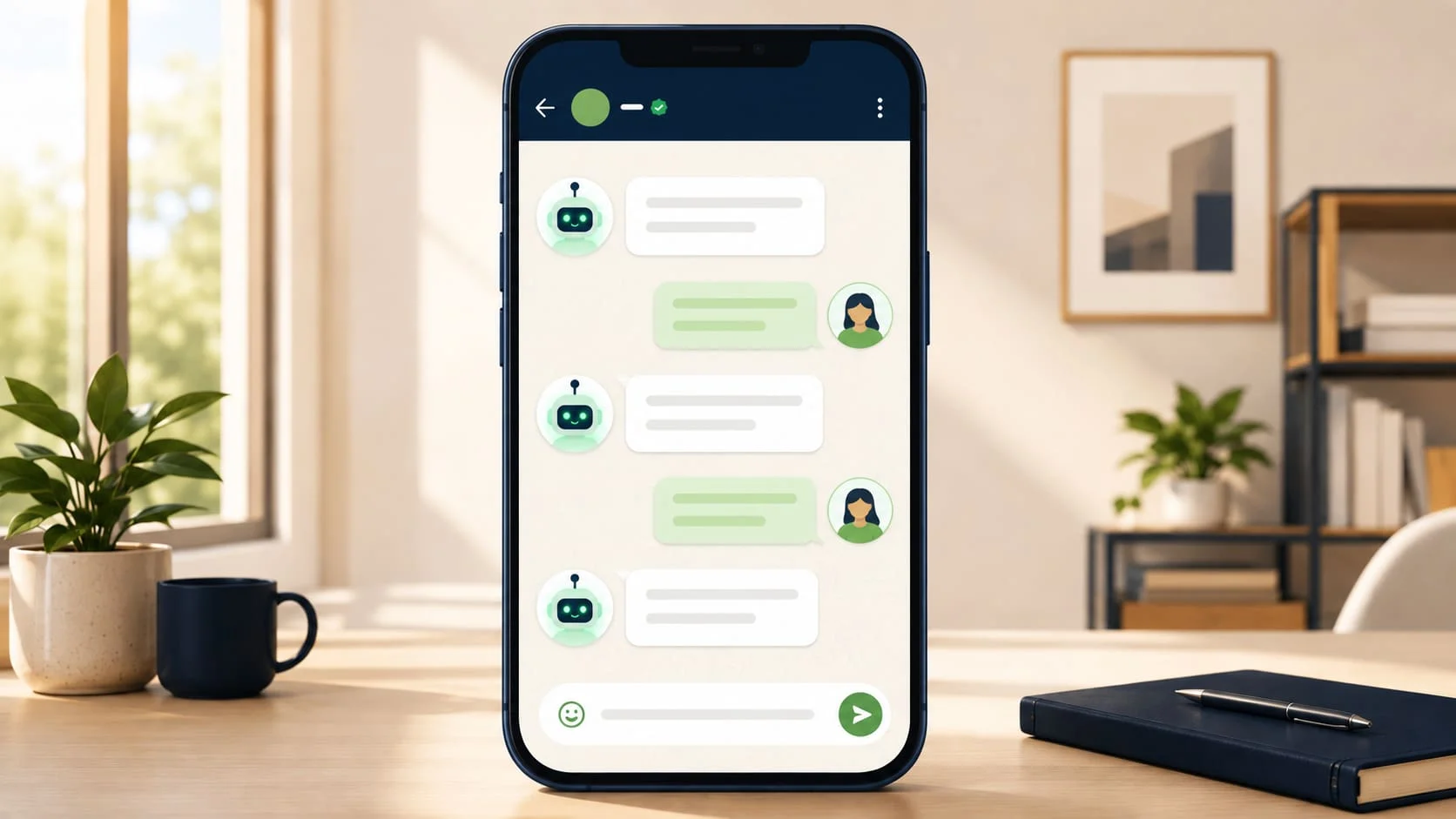
You have probably already chatted with a WhatsApp chatbot and did not realise it. The instant reply when you enquired about a property at 11 PM. The order confirmation that arrived before you even closed the app. The appointment reminder that came exactly 24 hours before your clinic visit.
None of those were a person typing in real time. They were WhatsApp chatbots — automated message systems that handle conversations on behalf of a business, at any hour, at any scale.
This guide covers what a WhatsApp chatbot actually is, how it works under the hood in plain English, the different types, and whether your business actually needs one.
Author note: The BotMitra team has built WhatsApp chatbots for over 500 businesses across India. Every explanation in this guide comes from watching those systems run in live production, day after day, for real businesses.
What Is a WhatsApp Chatbot?

Quick Answer
A WhatsApp chatbot is an automated software program that sends, receives, and responds to WhatsApp messages on behalf of a business — without a human typing each reply.
It works by connecting to the WhatsApp Business API and using pre-written message flows, keyword triggers, or artificial intelligence to understand incoming messages and send the appropriate automated response.
Most commonly used for: answering common customer questions, qualifying new leads, sending appointment reminders, confirming orders, and routing conversations to a human agent when needed.
To put it simply: a WhatsApp chatbot is your business’s always-on assistant that lives inside WhatsApp. It reads every incoming message, decides what to say based on rules or AI, and replies right away — no coffee breaks, no bad days.
How Does a WhatsApp Chatbot Actually Work?
Here is what happens behind the scenes every time a customer messages a business using a chatbot:

1 The message arrives at the WhatsApp Business API
When a customer sends a message to a business WhatsApp number powered by a chatbot, that message does not land on someone’s phone. It arrives at the WhatsApp Business API — a server-side interface that can receive and send messages programmatically. This is why the chatbot works 24/7 regardless of whether any staff member is online.
3 The right response is selected and sent
Based on the interpretation, the chatbot selects the appropriate response from its pre-built flow or generates one dynamically. The reply is sent back through the API as a WhatsApp message — appearing to the customer exactly like any other message in their chat.
4 The conversation continues or is handed to a human
If the customer replies again, the chatbot reads the next message and continues the flow. If the conversation reaches a point that requires human judgement — a complex question, a complaint, or a hot lead ready to buy — the chatbot routes it to a human agent via the team inbox, along with the full conversation history.
The full cycle from message received to reply sent takes under one second. That speed drives lead conversion as much as it drives customer satisfaction. Research consistently shows that the first business to respond wins the majority of enquiries.
Why Response Speed Wins Deals
< 1 sec
Average response time of a WhatsApp chatbot vs 2-4 hours for manual follow-up
BotMitra internal benchmark data, 2024
A human team working 9 AM to 6 PM, five days a week, is available for roughly 23% of the week. A WhatsApp chatbot is available for 100% of it. Every enquiry that lands outside business hours — and in India, a significant portion of digital enquiries do — gets an immediate, intelligent response instead of silence until the next morning.
The Three Types of WhatsApp Chatbot
Not all chatbots work the same way. Understanding which type fits your business is the most important decision before building one:

TYPE 1
Rule-based chatbot (flow bot)
Works through a fixed decision tree. The customer selects from predefined options (e.g. ‘Press 1 for sales, 2 for support’) and the chatbot follows a scripted path. No AI involved — every response is manually written. Straightforward to build and reliable to run.
Best for: Businesses with predictable, repetitive enquiries — appointment booking, order tracking, FAQ handling, standard lead capture.
TYPE 2
Keyword-based chatbot
Scans incoming messages for specific words or phrases and triggers the matching response. More flexible than a pure flow bot — the customer does not need to press a number, they just type naturally. Still rule-based at the core, but feels more conversational.
Best for: Businesses where customers ask the same questions in different ways — ‘price’, ‘cost’, ‘how much’, ‘charges’ all trigger the pricing response.
TYPE 3
AI-powered chatbot (NLP bot)
Uses natural language processing to understand the intent behind any message, even if it is phrased in an unexpected way. Can handle open-ended questions, understand context across a conversation, and generate responses rather than selecting from pre-written ones. More complex to build but significantly more capable.
Best for: Businesses with high conversation volume, varied enquiry types, or complex products where customers ask unpredictable questions
BotMitra’s recommendation for most Indian SMBs: start with a well-designed rule-based flow bot. It is faster to build and easier to control. For most businesses, it also handles 80% of enquiries on its own. Add AI capabilities once you have a clear picture of where the flow bot falls short.
What Can a WhatsApp Chatbot Actually Do? Real Use Cases

REAL ESTATE
Instant lead qualification and property matching
A prospect enquires about a listing at 9 PM. The chatbot immediately asks 3-4 qualification questions (budget, location, timeline), tags the lead as hot or warm, sends matching property cards with images, and notifies the sales agent to follow up first thing in the morning with full context.
HEALTHCARE / CLINIC
Appointment booking and reminder automation
A patient messages to book an appointment. The chatbot shows available slots, confirms the booking, sends a calendar-style confirmation, and automatically sends a reminder 24 hours and 1 hour before the appointment. No receptionist involvement required.
E-COMMERCE
Order status, returns, and FAQ handling
A customer asks ‘where is my order?’ The chatbot fetches the order status from the backend, sends the tracking link, and closes the conversation — all in under 5 seconds. For returns, it collects the order number and reason, then routes to a human agent only if the return is approved.
WhatsApp Chatbot Myths vs Facts
There is a lot of noise around chatbots. Here is what is actually true:

| Myth | Fact |
|---|---|
| Chatbots replace human staff | They handle repetitive tasks so human staff can focus on high-value conversations. Most businesses keep the same headcount and simply get more done with it. |
| You need to be a developer to build one | No-code platforms like BotMitra let business owners and marketing teams build and manage WhatsApp chatbots without writing a single line of code. |
| Chatbots feel cold and robotic | A well-designed chatbot uses conversational language, personalization, and smart handover logic, making it feel natural for most customer interactions. |
| You need a huge budget to afford one | WhatsApp chatbots are available on affordable monthly plans. Even basic lead qualification automation often pays for itself within the first month. |
| Chatbots only work during business hours | One of the biggest advantages of chatbots is 24/7 availability—they can instantly respond at 3 AM, on weekends, and during public holidays without extra staffing. |
Does Your Business Actually Need a WhatsApp Chatbot?
Honest answer: not every business does. A WhatsApp chatbot makes the most sense when at least one of the following is true:

A WhatsApp chatbot is right for your business if
✓ You receive more than 20-30 WhatsApp enquiries per day and cannot respond to all of them quickly
✓ Your team regularly handles the same questions repeatedly — pricing, availability, process, timelines
✓ You are losing leads because your response time is too slow, especially after hours
✓ You want to run WhatsApp marketing campaigns and need automation to handle the replies
✓ You have a team of more than two people managing customer communication
✓ You are scaling and need your communication capacity to grow without proportionally growing your headcount.
If none of the above apply — for example, if you personally manage all customer conversations and your volume is low — the free WhatsApp Business App with quick replies and auto-greetings may be sufficient for now. Build the chatbot when the volume justifies it
Frequently Asked Questions
They are closely related but not identical. WhatsApp automation is the broader category — it includes chatbots, scheduled broadcasts, automated reminders, and workflow triggers. A WhatsApp chatbot specifically refers to the conversational component: the system that reads incoming messages and replies. Most businesses use both together.
Standard WhatsApp chatbots handle text, images, documents, and button-based interactions. Voice message transcription and response is technically possible with advanced AI integrations but is not a standard feature of most chatbot platforms including BotMitra’s current setup. Text and media handling covers the vast majority of business use cases
Meta’s policy requires businesses to make it clear when a customer is interacting with an automated system rather than a human. Best practice is to introduce the bot early — for example, ‘Hi! I am an automated assistant here to help you quickly.’ This transparency does not reduce conversion rates and builds trust.
With BotMitra’s no-code flow builder, a basic FAQ or lead qualification chatbot can be built and tested in 1-2 days. A more complex flow covering multiple products, integrations, and escalation paths typically takes 3-7 days. The WhatsApp API setup and Meta approval adds 1-3 days on top of the build time.
Yes — and this is the recommended setup. BotMitra’s team inbox allows the chatbot to handle incoming messages automatically while human agents can monitor conversations, take over at any point, and respond directly when needed. The handover between bot and human is smooth, and the whole team can see it happen.
A well-designed chatbot has a fallback response for unrecognised messages — something like ‘I did not quite get that. Let me connect you with someone from our team.’ The conversation is then routed to a human agent. The key is designing the fallback so the customer still feels looked after.
The Bottom Line
A WhatsApp chatbot is a practical business tool for any company getting WhatsApp enquiries, whatever the company’s size — it responds faster and handles more volume without adding headcount.
The businesses that resist chatbots because they seem complicated are usually the same ones staying up late manually replying to enquiries and losing leads to faster competitors. The ones that build even a simple flow bot consistently report that it pays for itself in the first month.
Three things to do right now: (1) Count how many WhatsApp messages your business receives in an average day. (2) List the five questions you answer most often. (3) Those five questions are the foundation of your first chatbot flow — and BotMitra can help you build it in 48 hours.

Want to See a WhatsApp Chatbot in Action for Your Business?
BotMitra builds, deploys, and manages WhatsApp chatbots for Indian businesses — no code required, live in 72 hours.
WhatsApp us: +91 92840 79602