
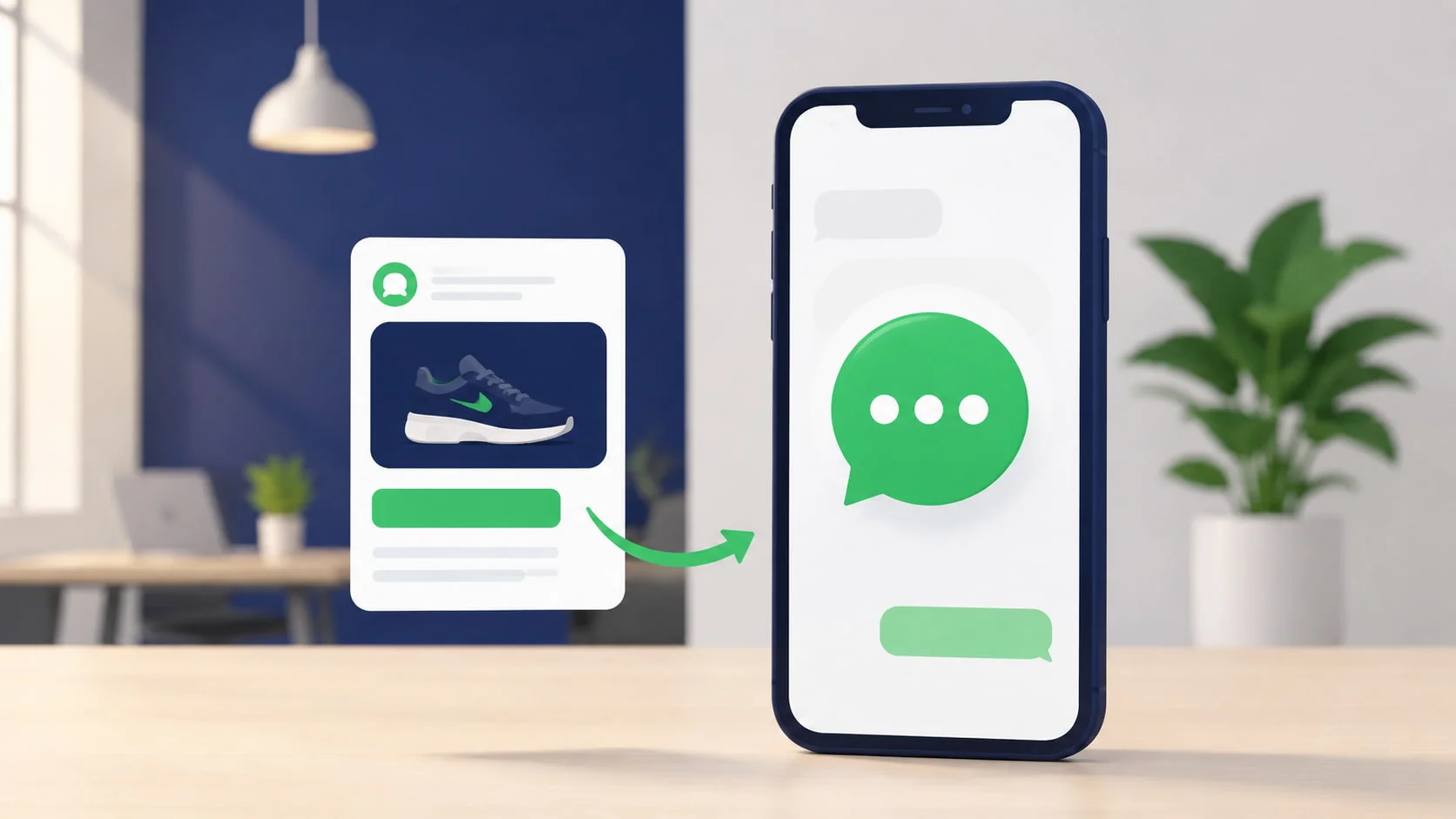
Most Facebook and Instagram ads send people to a landing page they will never finish loading. Click-to-WhatsApp ads skip that entirely — the click opens a chat, not a webpage.
That one change does more than it looks like. A landing page asks a stranger to fill out a form and hope someone calls back.
A WhatsApp chat starts immediately. Less friction means a lower cost per lead.
This guide walks through exactly how Click-to-WhatsApp ads work, how to set one up on Meta Ads Manager, what results to realistically expect, and the mistakes that quietly waste ad spend.
Author note: BotMitra has set up Click-to-WhatsApp campaigns for businesses across real estate, e-commerce, and education in India.
The benchmarks and setup steps here come from live campaign data, not Meta’s marketing copy.
What Are WhatsApp Click-to-Chat Ads?
Meta’s WhatsApp Business Policy specifies that opt-ins must meet all of the following criteria:

Quick Answer
A WhatsApp Click-to-Chat ad is a Facebook or Instagram ad format where the call-to-action button opens a WhatsApp conversation with the advertiser instead of a website or landing page.
It works by embedding a special link or button in the ad that, when tapped, opens WhatsApp with a pre-filled message ready to send to the business’s WhatsApp number.
Most commonly used for: lead generation, product enquiries, appointment bookings, and any campaign where starting a conversation converts better than a form fill.
Technically, these ads use the wa.me link format or Meta’s native Click-to-WhatsApp objective inside Ads Manager.
Once the user taps the button and hits send on the pre-filled message, that action also counts as a valid opt-in — they have explicitly chosen to message your business.

Why WhatsApp Click-to-Chat Ads Outperform Landing Page Ads
2-3x
Higher click-to-conversion rate for Click-to-WhatsApp ads vs traditional landing page ads
BotMitra internal campaign data across real estate and e-commerce clients, 2024
The mechanism is simple: every extra step between a click and a conversation loses people. A landing page requires a page load, a scroll, a form fill, and a submit button.
A WhatsApp chat takes one tap. Cut the steps and fewer people leave before reaching you.
The other advantages
- Instant two-way conversation: You are not waiting for a form submission to land in a CRM — you can reply within seconds and start qualifying the lead immediately.
- Higher quality leads: Someone who opens WhatsApp and sends a message has shown more intent than someone who filled a form and closed the tab.
- Built-in mobile-first experience: No landing page load times, no responsive design issues — WhatsApp is already optimised for mobile.
- Automatic opt-in: The act of messaging your business via the ad constitutes a valid WhatsApp opt-in, solving a compliance step that other lead-gen methods require separately.
How to Setup WhatsApp Click-to-Ad Campaign
The words you use in your opt-in request affect both compliance and conversion. Here are real examples:

Step 1
Connect your WhatsApp Business API number to Meta Business Manager
Your WhatsApp number must be linked to the same Meta Business Manager account you use for advertising. If you are using the API via a BSP like BotMitra, this connection is set up as part of onboarding
Step 2
Create a new campaign with the right objective
In Ads Manager, choose the ‘Engagement’ or ‘Leads’ campaign objective and select WhatsApp as the conversion destination. Older campaign structures may show this as ‘Click to Message’ under the destination options.
Step 3
Write ad copy that sets up the conversation
Your ad copy should make it obvious what happens after the click — that the person is about to start a WhatsApp chat, not visit a website. Tell them what to expect.
Example: ‘Tap below to chat with us on WhatsApp and get your free quote in minutes.’
Step4
Set the pre-filled message
Meta lets you customise the message that auto-populates when someone taps the ad button. A specific pre-filled message increases send-through rate because it removes the friction of the user having to think what to type.
Example: ‘Hi! I am interested in [Product/Service]. Can you share more details?’
Step 5
Connect an automated first response
The moment someone sends that pre-filled message, your WhatsApp automation should respond within seconds — not hours. A chatbot or auto-reply flow through BotMitra handles that first response automatically, which is what separates a lead that converts from one that disappears.
Example: ‘Thanks for reaching out! I am [Name] from [Business]. To help you faster, could you tell me your [budget/location/requirement]?’
Step 6
Track and optimise using conversation-level data
Meta Ads Manager reports clicks and message-starts, but conversion and qualification data lives in your WhatsApp platform. Cross-reference both to see your true cost per qualified lead, not just cost per click.
Facebook vs Instagram: Where Should You Run These Ads?
Facebook vs Instagram: Where Should You Run These Ads?

| Metric | Facebook Ads | Instagram Ads |
|---|---|---|
| Avg. cost per click | Rs. 8-15 max | Rs. 6-12 |
| Click-to-message rate | 12-20% | 15-25% |
| Best for | Broader demographics, retargeting | Younger audience, visual products |
| Ad format strength | Carousel, lead forms, video | Reels, Stories, Explore |
| Typical industries | Real estate, education, finance | E-commerce, fashion, F&B |
Table: BotMitra benchmark data across client campaigns, 2024. Figures are indicative and vary by industry, audience targeting, and creative quality.
Practical recommendation: Most businesses see the best overall results running the same campaign across both placements (Meta’s ‘Advantage+ placements’) and letting the algorithm allocate budget based on performance, rather than picking one platform manually.
What Results Should You Actually Expect?
Set realistic expectations before you launch. Based on BotMitra’s client data across multiple industries:
- Cost per click: 6-15 depending on industry, audience size, and creative quality.
- Click-to-message rate: 12-25% of people who click the ad will actually send the pre-filled message. This is your real conversion metric — not the click itself.
- Response-to-qualified-lead rate: With a good automated qualification flow, 30-50% of conversations convert into a qualified lead within the first exchange.
- Time to first response: Should be under 60 seconds with automation. Manual response averaging over 5 minutes sees a measurable drop in continued engagement.
The honest caveat: These numbers vary significantly by industry, ad creative, targeting, and most importantly — how fast and how well you respond once the conversation starts. The ad gets the click. Your response gets the conversion.

Common Mistakes That Waste Ad Spend
Meta’s WhatsApp Business Policy specifies that opt-ins must meet all of the following criteria:
Avoid these — they quietly inflate your cost per lead
✗ Sending ad traffic to WhatsApp but leaving the auto-reply or chatbot disconnected — leads message and get silence
✗ Using a generic pre-filled message that does not match the ad’s specific offer
✗ Running the campaign on a number still on the free WhatsApp Business App — broadcast and automation limits will bottleneck your follow-up
✗ Not tagging or tracking which ad a lead came from, making it impossible to optimise spend by creative or audience
✗ Treating the WhatsApp click as the conversion instead of the qualified lead — this masks true cost per acquisition
Pre-Launch Checklist
Meta’s WhatsApp Business Policy specifies that opt-ins must meet all of the following criteria:
Before you launch your Click-to-WhatsApp campaign
✓ WhatsApp Business API number is connected to Meta Business Manager
✓ Automated first response is live and tested with a real message
✓ Pre-filled message matches the specific ad offer or creative
✓ Lead qualification flow is set up to tag hot, warm, and cold leads automatically
✓ UTM or campaign tagging is in place so each lead is traceable to its source ad
✓ Team is briefed on response time expectations for any leads requiring manual follow-up
Frequently Asked Questions
Technically you can run these ads pointing to a number on the free WhatsApp Business App. But without the API, you cannot automate responses, use a team inbox, or scale beyond a handful of daily conversations — which defeats the purpose of running paid ads at volume. The API, accessed through a BSP like BotMitra, is strongly recommended for any serious campaign.
The ad spend itself follows standard Meta Ads pricing — typically Rs. 6-15 per click depending on industry and targeting. There is no additional fee from Meta for using the WhatsApp destination. Separately, your WhatsApp API conversation fees apply once a lead messages you, governed by Meta’s conversation-based pricing.
No. You need an active Facebook Page connected to your Meta Business Manager account, along with your WhatsApp Business number, to create this ad type. This is a standard Meta advertising requirement, not specific to WhatsApp ads.
Engagement drops sharply. Leads who message via an ad have high intent in that exact moment — every minute of delay reduces the likelihood they continue the conversation. This is why an automated first response, even a simple acknowledgment, matters more for this ad format than almost any other lead source.
Yes, indirectly. While you cannot retarget based on WhatsApp conversation content through Meta’s ad targeting directly, you can build a custom audience from people who engaged with your ad, and you can re-engage existing WhatsApp contacts directly via broadcast — provided they have opted in.
The Bottom Line
Click-to-WhatsApp ads work because they cut the biggest drop-off point in paid advertising: the landing page. Instead of asking someone to load a page, read it, and fill out a form, you go straight to a conversation.
The ad gets someone into a conversation. What happens in the first 60 seconds after that determines whether they become a lead.
Without a fast, automated response on the other end, you are paying for clicks that go nowhere.
The businesses seeing real results from this format treat the click as the start — and have a qualification flow ready to handle what comes next.
Before your next campaign:
(1) Confirm your WhatsApp API and automation are live before you spend a single rupee on ads.
(2) Write a pre-filled message that matches your specific offer.
(3) Track cost per qualified lead, not just cost per click.
Ready to Turn Ad Clicks Into WhatsApp Conversations?
BotMitra sets up your Click-to-WhatsApp ads, automated first response, and lead
qualification flow — so every click becomes a tracked, nurtured conversation.
WhatsApp us: +91 92840 79602
